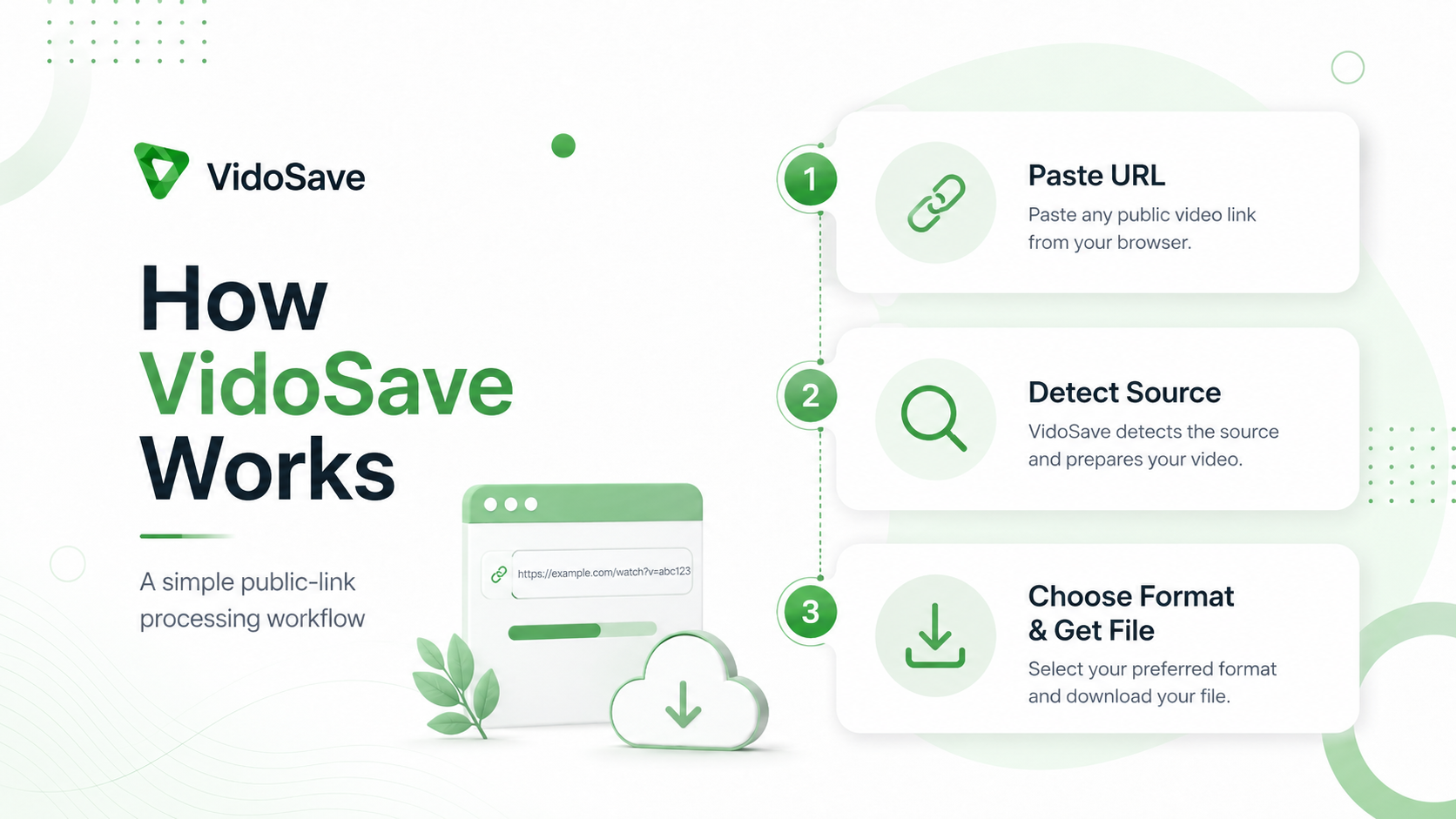
How VidoSave Works
VidoSave takes a supported public media URL, identifies the source, requests currently available media information, and presents the usable formats returned for that specific link.
Last updated: August 26, 2026
From a public URL to an available media option
Paste a supported public URL
Copy the full public post or video address and paste it into VidoSave. The service first validates that the input is a web URL and detects the source platform.
VidoSave processes the link
The extraction service asks the source for information that is currently accessible to the workflow, such as title, preview data and media formats.
Choose a returned format
If usable media is available, VidoSave displays the options returned for that link. The user can choose an available format and open or save it through the browser.
VidoSave does not manufacture fixed quality labels
Formats depend on what the source exposes for the particular link at that moment. One link may provide several video qualities and an audio option, while another may expose only one usable format or none at all.
Platform behavior can change, so availability is not guaranteed permanently.
The preview path and download path may be different
Some platforms provide an official browser player that is better suited to previewing media, while the downloadable media route can be separate. VidoSave may therefore use a platform-supported player for preview and a VidoSave-controlled signed route for an available download.
For other supported sources, the selected media may open directly through the browser or through VidoSave’s media-transfer infrastructure, depending on the source and format.
Media routes are designed to avoid exposing unrestricted backend access
VidoSave can use signed media tickets, host validation and isolated platform-specific workers to reduce misuse of backend transfer routes. These controls protect the service; they do not grant users rights to media they are not permitted to save.
Technical availability does not create permission
Users should download only media they own, have permission to save, or are otherwise allowed to download under the source rules and applicable law. A public page can still contain copyrighted material.
Read the Responsible Use Policy and Copyright & DMCA Policy for more detail.
How It Works FAQ
Why do different links show different qualities?
VidoSave lists formats that are actually returned for the individual link. Available resolution, audio and file type can differ between sources and media items.
Why can a link stop working later?
The source may change, remove or restrict the media, expire a URL, alter its technical delivery, or change platform behavior.
Does VidoSave need my platform password?
No. The normal public-link workflow is not designed around collecting platform passwords or private login credentials.
Does a successful extraction mean I have permission to reuse the media?
No. Technical access and legal permission are separate. Copyright, licenses, source-provider rules and the intended downstream use must still be considered.